How AI Customer Support Actually Works in 2026
Behind the marketing buzz, AI customer support runs on agentic loops, layered memory, and sub-500ms voice pipelines. Here's what the architecture actually looks like.
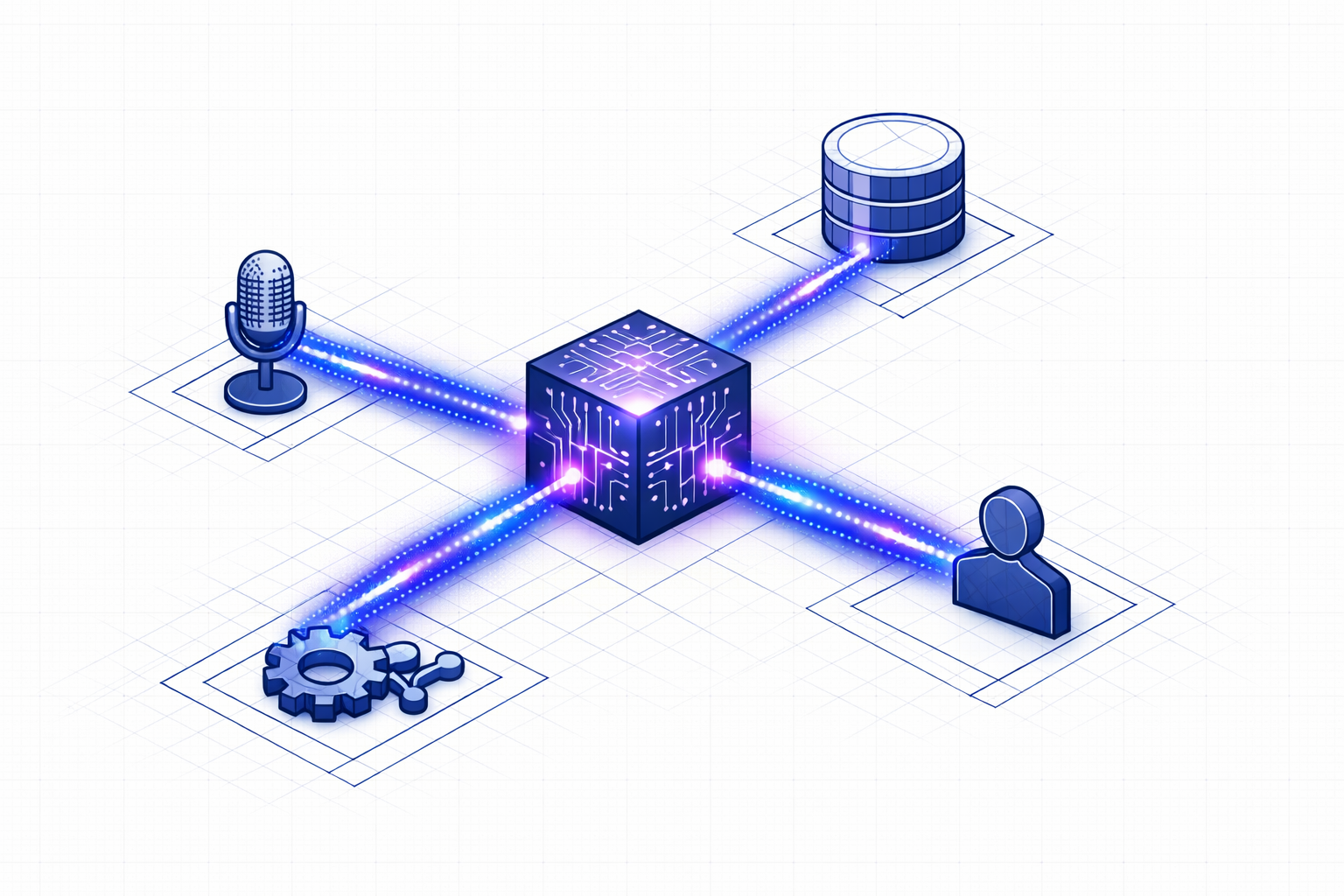
Somewhere between 2023 and now, customer support AI stopped being a party trick and started being infrastructure. The chatbot demos are over. The “look, it can summarize a ticket!” phase is done. What’s running in production today are autonomous agents that check order status, process refunds, rebook shipments, and escalate to humans — all without anyone writing an if-else branch for each scenario.
But the marketing copy doesn’t tell you how it works. This post does.
The Shift: From Prompt-Response to Agentic Loops
The first generation of AI support was simple: take a customer message, stuff it into a prompt with some context, get a response back. One shot. If the model hallucinated a refund policy that doesn’t exist, tough luck.
That model is dead.
What replaced it is the agentic loop — a continuous cycle where the AI perceives its environment, plans a course of action, executes tool calls against real systems, observes the results, and refines its approach. It’s not one prompt. It’s a state machine.
Here’s what one cycle looks like inside a modern support agent:
| Phase | What Happens | What It Requires |
|---|---|---|
| Perception | Read the conversation, session state, customer history | Context window management |
| Planning | Decompose the customer’s intent into steps | Reasoning engine (not just token prediction) |
| Execution | Call APIs — check an order, initiate a return, update a contact | Typed tool schemas with validation |
| Observation | Parse the API response, detect errors or edge cases | Machine-readable error handling |
| Refinement | Update state, decide next step or respond to customer | Deterministic state transitions |
This loop runs multiple times per conversation. The agent might verify a customer’s identity, look up their order, check if the item is eligible for return, generate an RMA number, and confirm the shipping label — all as discrete, auditable steps.
The key word there is auditable. Each step produces a trace. When something goes wrong, you can rewind the chain and see exactly where the agent deviated from policy. This is what separates production-grade AI from demo-ware.
Multi-Agent Orchestration: Why One Model Isn’t Enough
A single monolithic model handling every customer intent is a liability. It’s the “god object” antipattern, but for AI.
The production pattern in 2026 is orchestrator-worker — a coordinator agent that routes requests to specialized sub-agents. A billing agent handles payment disputes. A logistics agent tracks shipments. A knowledge base agent searches your documentation. Each one has its own tool access, its own system prompt, and its own failure boundaries.
Why does this matter?
- Isolation. A bug in the returns agent doesn’t cascade into the billing agent.
- Parallelism. The orchestrator can fire off a knowledge search and an order lookup simultaneously.
- Specialization. Each agent’s context window is focused. No wasted tokens on irrelevant tools.
At Brainificated, we implement this with a tool system where each tool handler is a scoped function with typed inputs and outputs. The orchestrator decides which tools to call based on the conversation state, and each tool call is a discrete, logged event.
Memory: The Part Everyone Gets Wrong
Here’s the dirty secret of early AI support: the agent had goldfish memory. Every session started from zero. A customer who called yesterday about a damaged package had to re-explain everything today.
The fix isn’t “bigger context windows.” It’s layered memory architecture.
The Four Layers
Working Memory — The current conversation. What the customer just said, what tools have been called, what the partial plan looks like. This lives in the model’s active context.
Episodic Memory — Structured records of past interactions. Not flat chat logs, but parsed sequences: “On Feb 12, the customer reported a damaged item. We issued RMA-4521. The return was received on Feb 16.” This lets the agent say “I see we already started a return for that order last week” without the customer repeating themselves.
Semantic Memory — Your knowledge base, product catalog, shipping policies, FAQ articles. Typically implemented with vector search (RAG), so the agent can pull relevant documentation on demand. This is where knowledge base integration matters — the agent grounds its responses in your actual policies, not training data from the internet.
Long-Term Preference Memory — Persistent facts about the customer: preferred language, communication style, VIP status, past escalation patterns. This layer requires explicit consent and has expiration policies built in.
Vector Search Isn’t Enough
Vector databases solved document lookup. You embed a query, find the nearest documents, inject them into the prompt. Done.
But vector search treats every memory as an independent point in space. It can’t reason about relationships. It doesn’t know that Customer A works for Company B, which has Discount Tier C, which expired last month.
That’s where graph memory comes in — storing entities and their relationships as nodes and edges. The agent doesn’t just retrieve similar text; it traverses a knowledge graph to understand context.
In practice, most production systems use a hybrid: vector search for document retrieval, graph structures for entity relationships, and key-value stores for real-time session state.
Voice AI: Engineering the 500ms Barrier
Text-based AI support is table stakes. The differentiator in 2026 is voice — and voice has a brutally simple quality bar: if the response takes longer than 500 milliseconds, it feels robotic.
That 500ms budget has to cover speech-to-text, LLM inference, and text-to-speech. In series, that’s three round trips through three different models. The math doesn’t work unless you pipeline everything.
Here’s how a modern voice pipeline works:
- Streaming STT. Audio frames are processed as they arrive, not after the customer stops talking. Partial transcripts flow into the LLM before the utterance is complete.
- Sentence-level TTS. The LLM streams its response token by token. As soon as a complete sentence is formed, it’s sent to TTS while the next sentence is still being generated.
- Bidirectional streaming. The agent can be interrupted mid-sentence. If the customer says “actually, never mind,” the pipeline flushes immediately and starts processing the new input.
- VAD (Voice Activity Detection). RMS-based energy detection distinguishes speech from silence, so the agent knows when the customer is done talking versus just pausing.
The result is a conversation that feels natural — not the “please hold while I process your request” experience of legacy IVR systems.
Metrics That Actually Matter
Traditional support metrics are broken. Average Handle Time (AHT) penalizes thorough resolution. First Contact Resolution (FCR) gets gamed by premature ticket closure.
The metrics that matter in 2026:
Resolution Durability — Did the fix stick? Track whether the customer comes back within 7-10 days for the same issue. If your “resolved” tickets keep reopening, your AI is applying band-aids, not fixes.
Effort-to-Resolution — How many actions (clicks, messages, transfers) did it take to resolve? Best-in-class systems aim for under 3 micro-actions. The customer states their problem once. The agent handles the rest.
Sentiment Vectoring — Instead of post-call surveys (which get 3% response rates), analyze the emotional trajectory of every conversation. Did the customer go from frustrated to relieved? That’s a better predictor of loyalty than a star rating.
AI Deflection Rate — What percentage of tickets are resolved without human intervention? The industry target is 50-70%. Below that, your AI isn’t pulling its weight. Above that, you’re probably auto-closing tickets that shouldn’t be closed.
Knowledge Velocity — How fast do new edge cases become part of the AI’s knowledge base? Every human escalation is a learning signal. The best teams have a pipeline from “agent handled a new scenario” to “AI now handles it autonomously” measured in hours, not weeks.
The Human-in-the-Loop Standard
Here’s what the AI hype cycle conveniently skips: the best AI support systems are designed to fail gracefully to humans.
The “90% confidence” protocol works like this: the agent operates autonomously as long as its reasoning engine maintains high confidence. When confidence drops — ambiguous policy, emotionally charged customer, novel scenario — it seamlessly escalates.
Not “please hold while I transfer you.” More like: the AI summarizes the conversation so far, flags the specific point of uncertainty, and hands the full context to a human agent who can pick up mid-conversation.
This is what live handoff looks like in practice. The human doesn’t start from scratch. They see the transcript, the tools that were called, the customer’s verified identity, and the AI’s assessment of where it got stuck.
The goal isn’t to eliminate humans. It’s to make every human interaction count.
Trust Infrastructure: PII, Identity, and Accountability
When your AI agent has “write” access to real systems — processing refunds, modifying orders, accessing customer data — trust isn’t optional. It’s architecture.
PII Masking — Sensitive data (credit cards, social security numbers, phone numbers) is pseudonymized before it reaches the LLM. The model sees phone_1 and email_1, processes the logic, and the system re-substitutes the real values in the output. The LLM never sees the actual sensitive data.
Least Privilege — Agents get read-only access by default. Write operations (placing an order, processing a return) require explicit confidence signals and, in high-risk cases, human approval gates.
This is where self-hosted infrastructure matters. When you own the deployment, you control where customer data flows, which models see what, and how the audit trail is stored.
What This Means If You’re Building
If you’re evaluating AI customer support platforms — or building your own — here’s what to look for:
- Agentic architecture, not prompt chains. The system should execute multi-step workflows with tool calls, not just generate text responses.
- Auditable traces. Every decision the AI makes should be inspectable. If you can’t replay why the agent gave a specific answer, you can’t trust it in production.
- Layered memory. Session context isn’t enough. Your AI needs to remember past interactions, access your knowledge base, and understand customer relationships.
- Voice-native, not voice-bolted. If voice was added as an afterthought, the latency will show. Look for streaming pipelines, not request-response patterns.
- Graceful escalation. The handoff to humans should preserve full context. The human agent should never have to ask “can you repeat that?”
- Data sovereignty. Know where your customer data goes. Self-hosted or on-premise options aren’t a luxury — they’re a compliance requirement for many industries.
The era of “deploy a chatbot and see what happens” is over. AI customer support in 2026 is real engineering — agentic loops, layered memory, sub-500ms voice pipelines, and human-in-the-loop governance. The companies getting it right aren’t the ones with the most AI features. They’re the ones who built the infrastructure to trust their AI with real customer interactions.
Want to see how Brainificated handles all of this? Book a demo →